DoSprite PRO
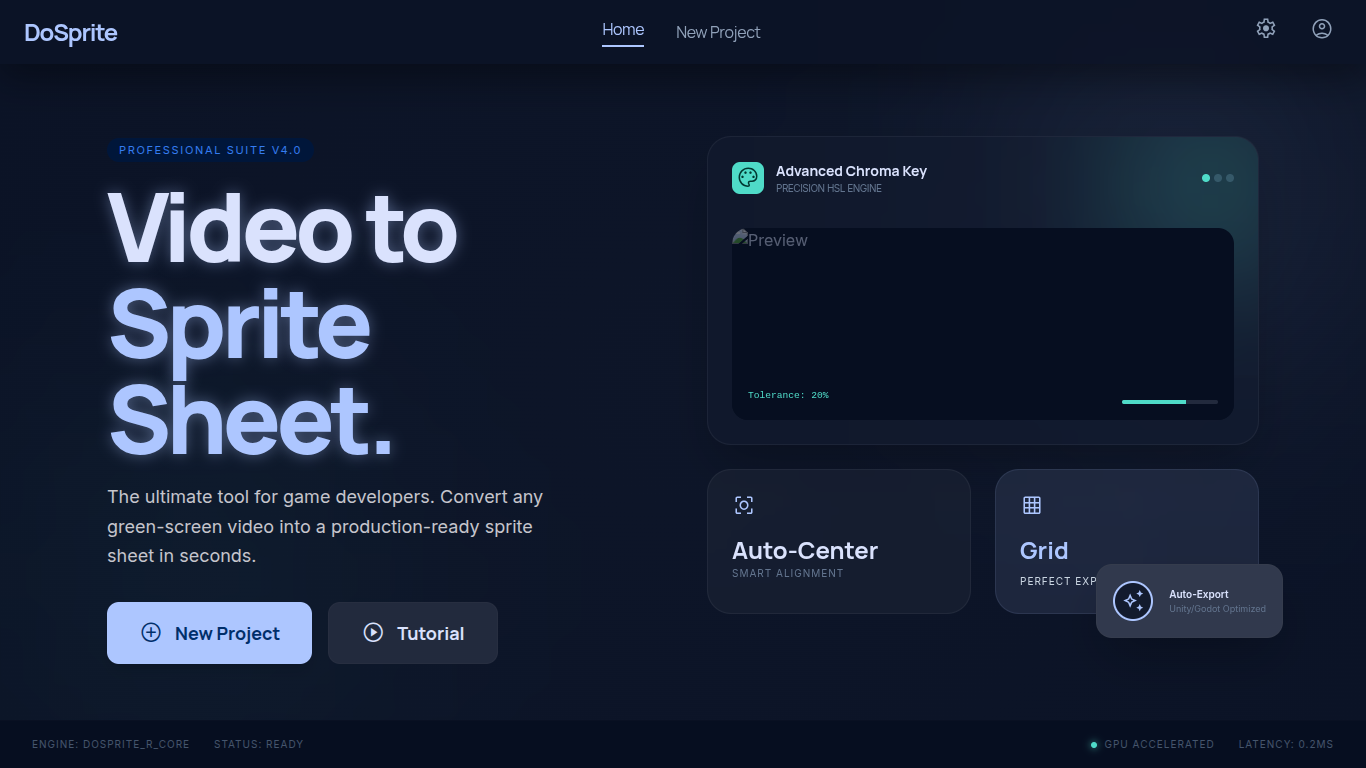
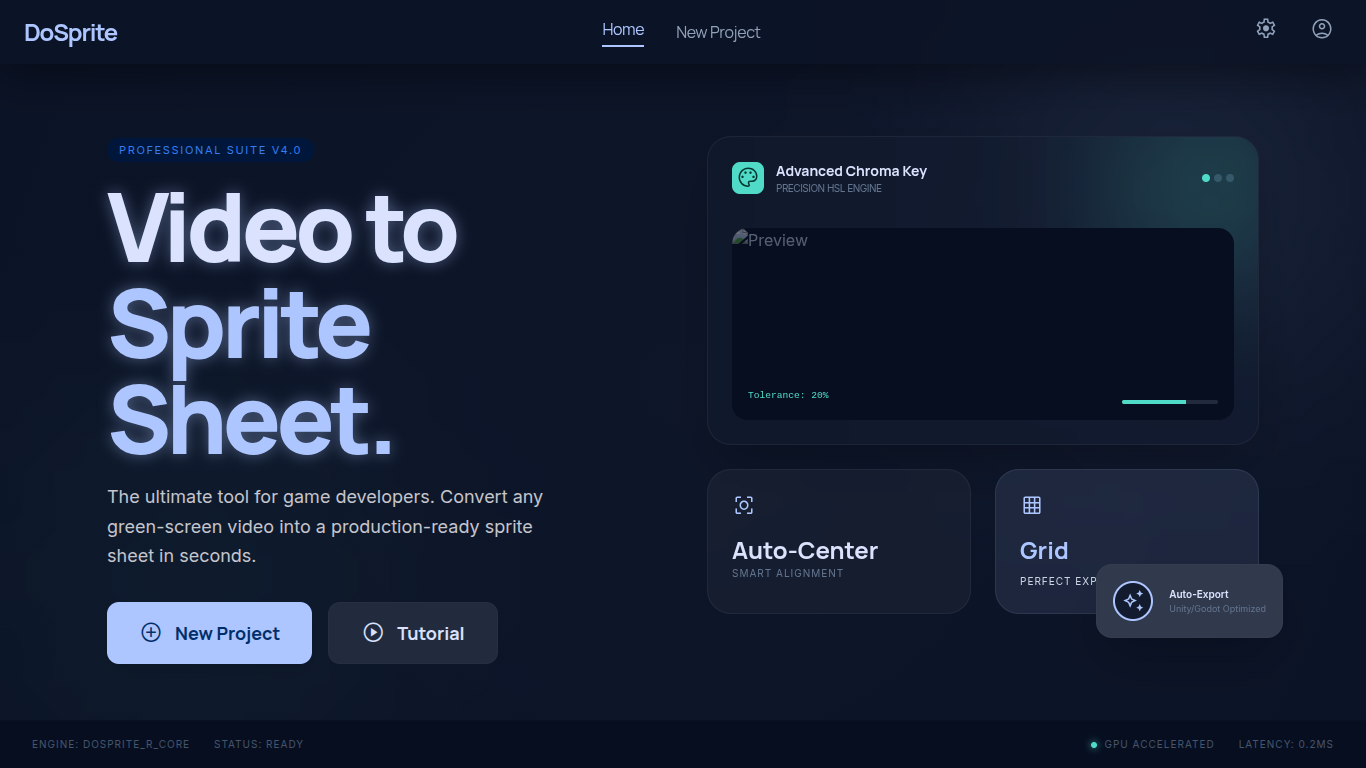
Video to Sprite sheet
DoSprite
Tired of manually capturing frames or struggling with heavy editing software just to get a sprite sheet?
DoSprite is a tool designed to simplify the workflow for technical artists and indie developers. By using videos of your characters (which you can start generating today, in seconds, using free AI tools), DoSprite speeds up and streamlines the creation of your Sprite Sheets.
What can you do with DoSprite?
- Universal Import: Upload any video file compatible with your browser.
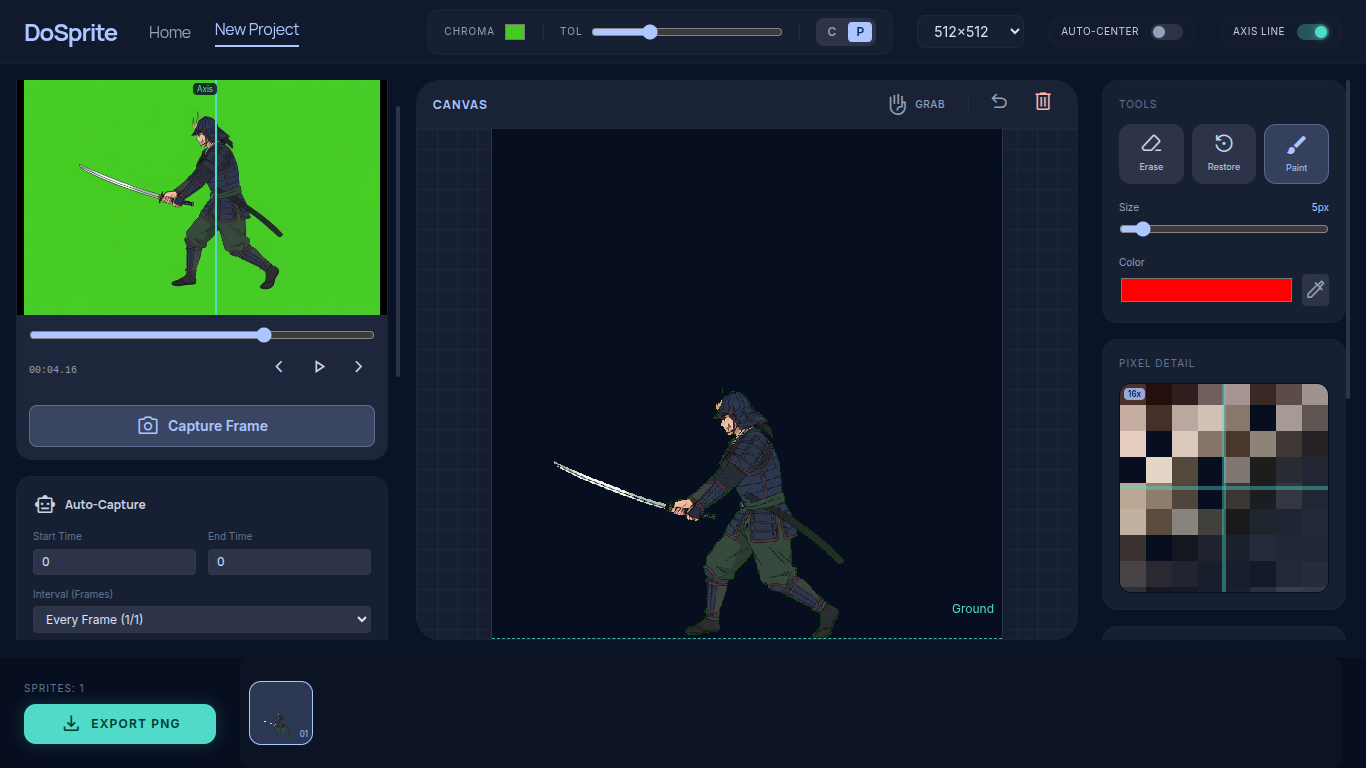
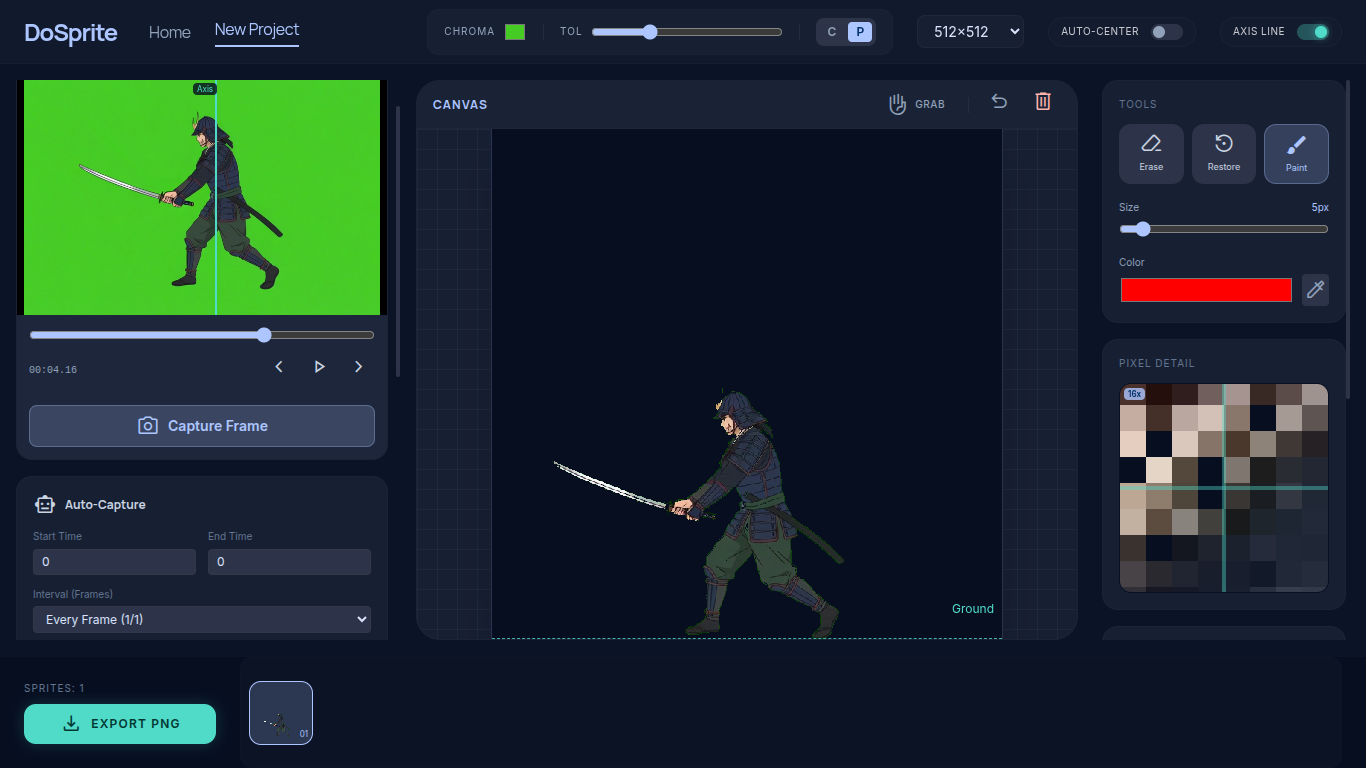
- Precision Chroma Key: Instantly remove solid color backgrounds with adjustable tolerance control.
- Non-Destructive Retouch Editor: Did the chroma key erase part of an eye or a highlight? Use the "Restore" brush to recover details from the original video or the "Eraser" to clean up imperfections.
- Smart Auto-Framing: The tool detects your character's boundaries and automatically centers them in the frame.
- Instant Pixel Art: Choose between three resolutions (32x32, 64x64, 128x128, 256x256 or 512x512 px). Your frames are automatically converted to your chosen resolution.
Ideal Workflows:
- From Generative AI: Take advantage of tools like Grok, Luma, or Kling to generate motion clips and transfer them to your game engine effortlessly.
- Your Own Videos: If you create your own videos with flat-color backgrounds, transform them into animations without the hassle.
Regarding your Privacy:
All processing is done locally in your browser. Your videos are never uploaded to any server. DoSprite is a secure, fast, and private tool.
Your Support Matters:
Hi there! I’m a student passionate about technology. I created DoSprite because I was frustrated by how time-consuming frame-by-frame animation felt in my own projects, and I found it so useful that I wanted to share it with you.
I’ve decided to launch this tool completely for free so that any indie developer can use it, regardless of their budget.
How can you help? I’m currently finishing high school and looking forward to going to university. If this tool has saved you work time, please consider leaving a small donation. Every bit helps me move forward.
Thank you for believing in independent creators!
Note: I want to be transparent and mention that I used AI assistance in the creation of this project. I felt it wouldn't be right not to clarify that. Please don't cancel me!
the video link:
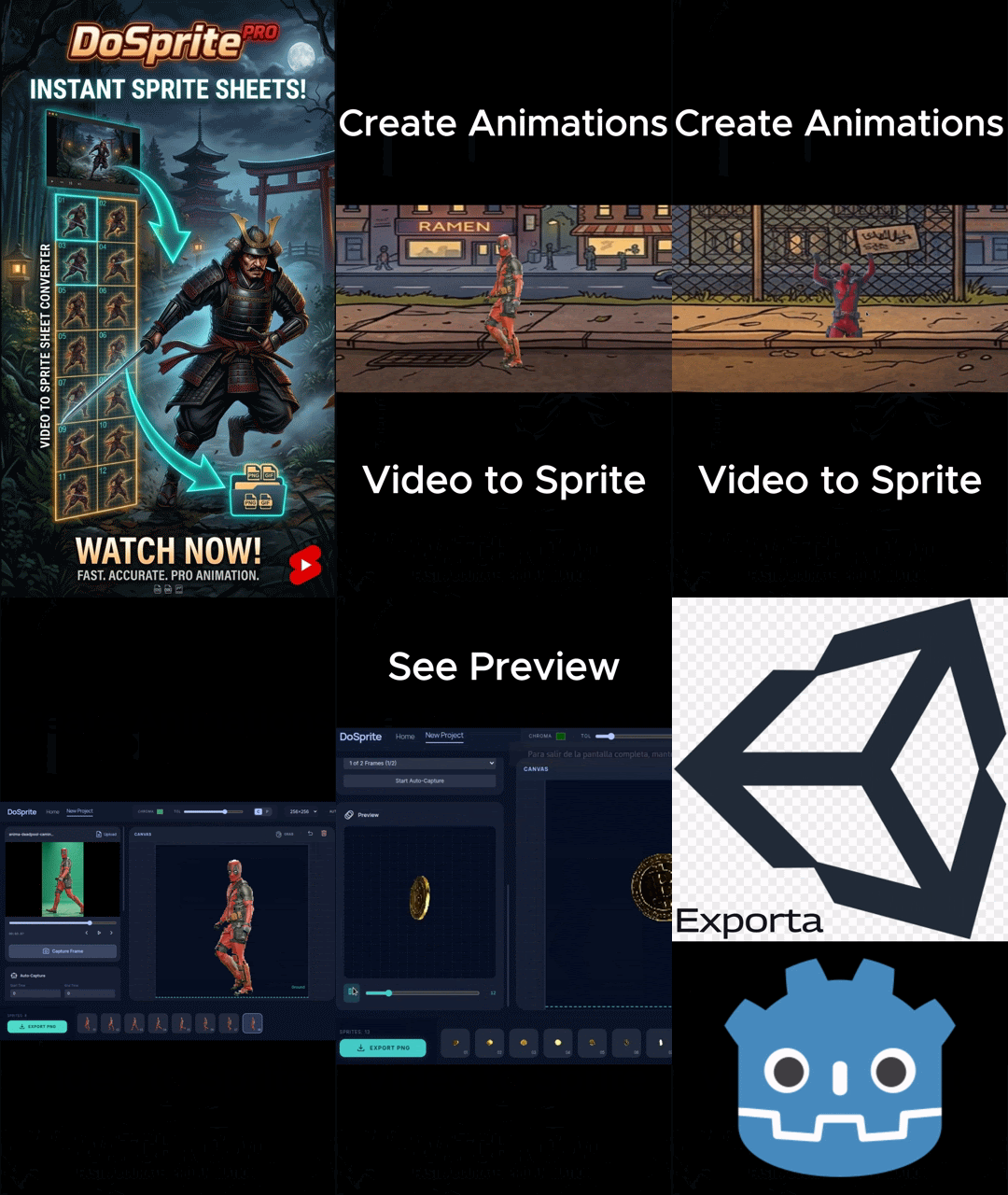

Development log
- DoSprite V3.3: Multilayer Composition & Advanced Color ControlApr 21, 2026
- DoSprite V2.2: New Precision ToolsApr 04, 2026
Comments
Log in with itch.io to leave a comment.
To resize the canvas, use Ctrl and the touchpad or mouse. You can delete frames with Delete.